 Project 03 - Delivery Driver
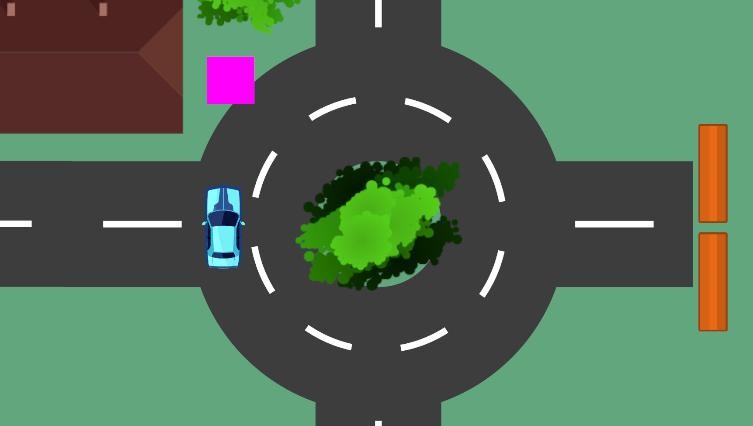
Course: Unity 2D - Delivery Driver
By: Year 9 GameDev Studio
Version: Unity 6.3
You Will Learn To
- Design, modify, and prototype the user interface and user experience of a digital system; generate, communicate, and critically evaluate alternative designs against design criteria (VC2TDI10C03).
- Implement, modify, and debug modular programs, applying selected algorithms and data structures, including in an object-oriented programming language (VC2TDI10C04).
- Create branching code using control flow structures such as if statements.
- Use Prefab game objects effectively in Unity.
- Create and add components to game objects using the Inspector in Unity, including using Tags.
By
- Completing a 2D driving game called Delivery Driver in the Unity game engine and adding to an existing codebase.
You Will Be Assessed By
- Designing a user interface for the main menu of Delivery Driver.
- Answering review and quiz questions relating to control flow in C# code.
Project Roadmap
| Part | Title | Description |
|---|---|---|
| 1 | Importing the project | Open the provided project and load the starter scene (setup and package import are assumed). |
| 2 | Fixing some bugs | Get the player moving and add physics so collisions work. |
| 3 | If statements | Learn how conditional logic works and how it appears in C# scripts. |
| 4 | Using prefabs | Use prefabs and prefab variants to build the level efficiently. |
| 5 | Completing the prototype | Finish the level, follow the video walkthroughs, and build a main menu. |
Note: Project setup and package import are not covered here. If you do not already have the starter project and assets, ask your teacher for the correct files.