 UI / UX Overview
Curriculum Focus: Explore how interfaces and player experience work together in game design.
 What Students Will Learn
- The difference between UI (what players see and click) and UX (how it feels to play).
- How feedback, clarity, and consistency make games easier to learn.
- How to analyze a game screen using a simple UI/UX checklist.
 Lesson Path
- Teach the core UI/UX principles for games.
- Model & guide a UI breakdown using real game screens.
- Apply & extend by designing a simple HUD or menu.
- Review with a quick map-it or quiz.
 Example Screens
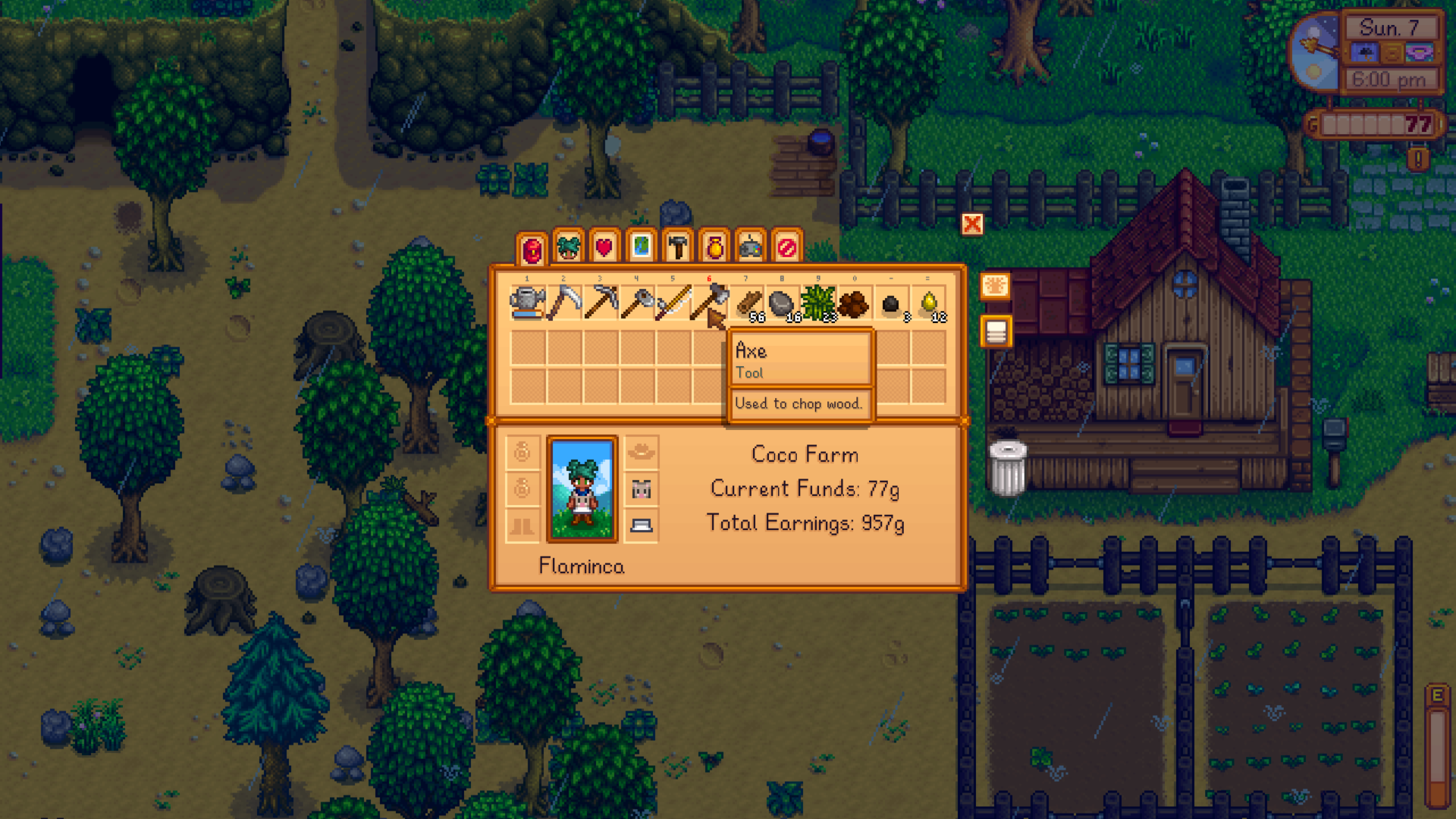
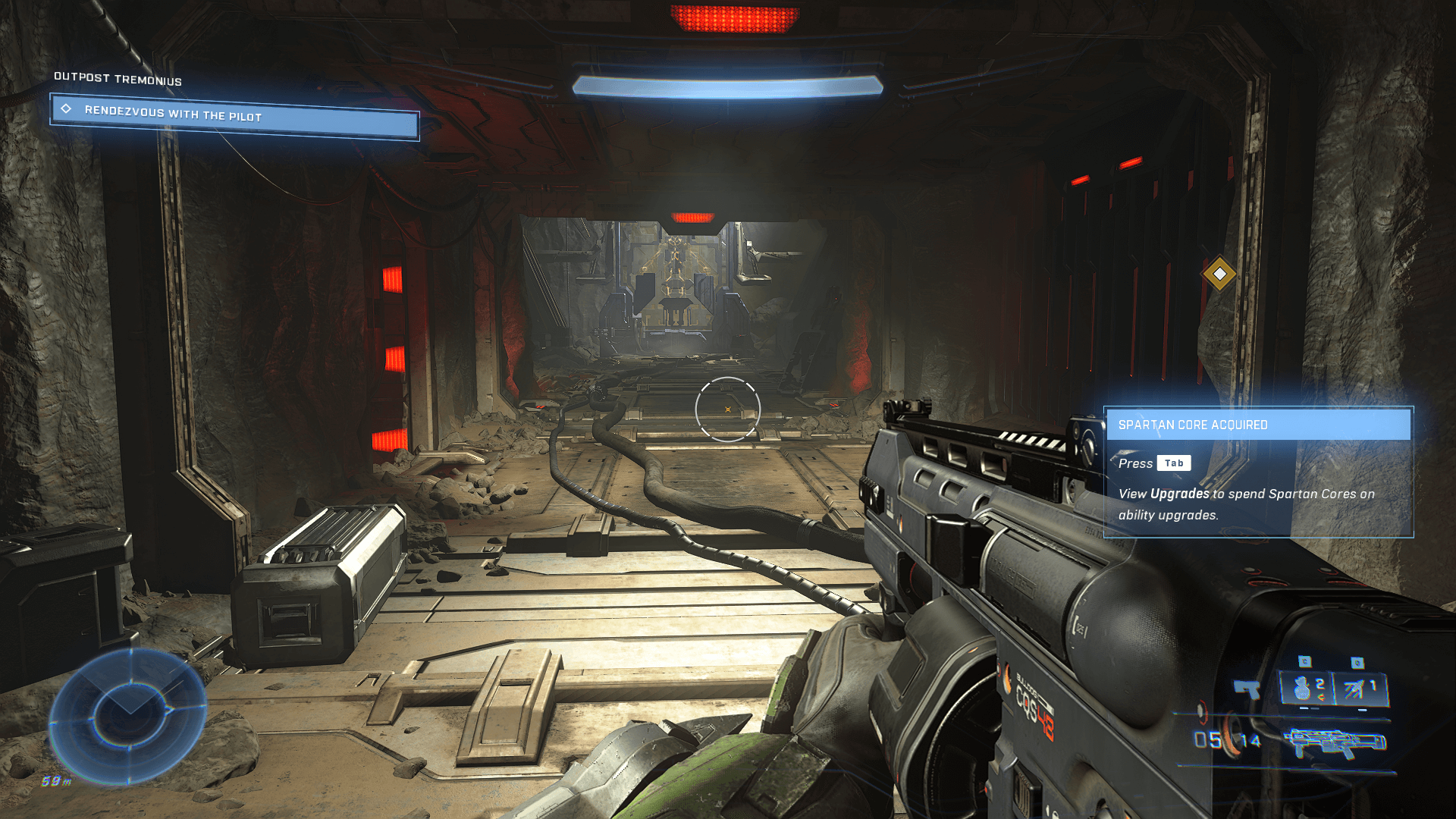
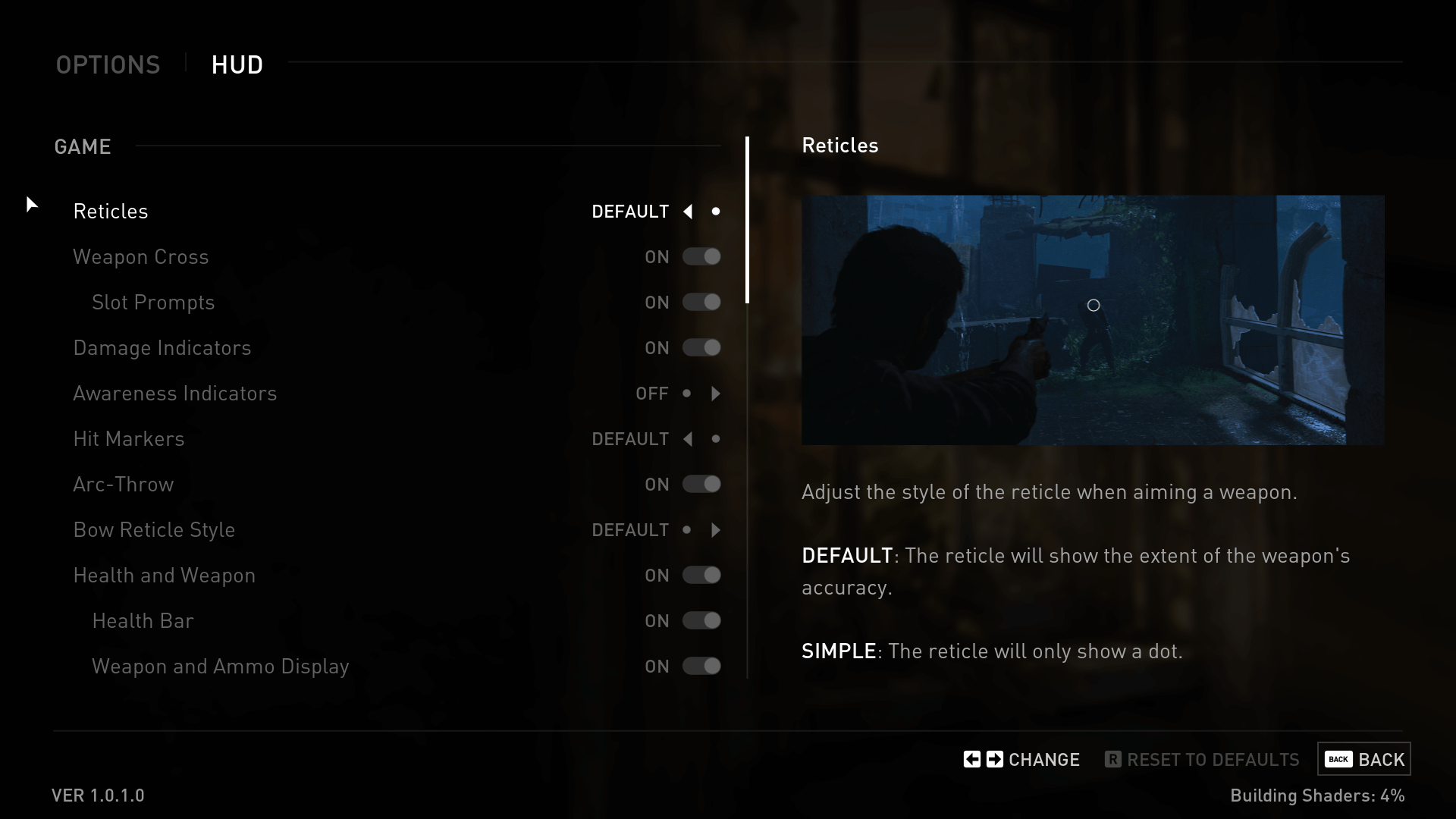
 Go To The Lesson
Start the lesson here: UI / UX Lesson Plan