 UI / UX in Game Design
Curriculum Focus: Design player-friendly interfaces and experiences for games.
Total Time: 47 minutes
 Teach
Teach
UI vs UX (Game-Friendly)
- UI (User Interface): What players see and interact with (HUD, menus, buttons, maps).
- UX (User Experience): How the game feels to play (clarity, flow, frustration, comfort).
Poor UI Example
Microwave Racing is a real microwave interface that went viral because it is confusing and overloaded.
Core UI/UX Principles For Games
| Principle | Game-Friendly Explanation | Quick Example |
|---|---|---|
| Control & Feedback | Players should feel in control, with clear responses to their actions. | Buttons glow, sounds play, screen shakes on hit. |
| Navigation & Flow | Players should know where to go or what to press without getting lost. | Clear menus, icons, and map markers. |
| Safe Failure | Give players room to fail and recover. | Respawn, checkpoints, or "Are you sure?" prompts. |
| Visibility & Status | Always show what the player needs right now. | Health, ammo, cooldowns, objective markers. |
| Skill-Level Access | Newbies need help, experts need speed. | Tutorials plus skip options and shortcuts. |
| Clarity Over Clutter | Remove UI that is not needed right now. | Minimal HUD during exploration. |
| Consistency & Familiarity | Use patterns players already expect. | Same button style across menus. |
UI Inspiration Library
Explore a massive collection of real game UIs here: Game UI Database
Video Resource
Watch this short episode on UI design in games: So You Wanna Make Games?? | Episode 9: User Interface Design (Riot Games)
Game UI Examples
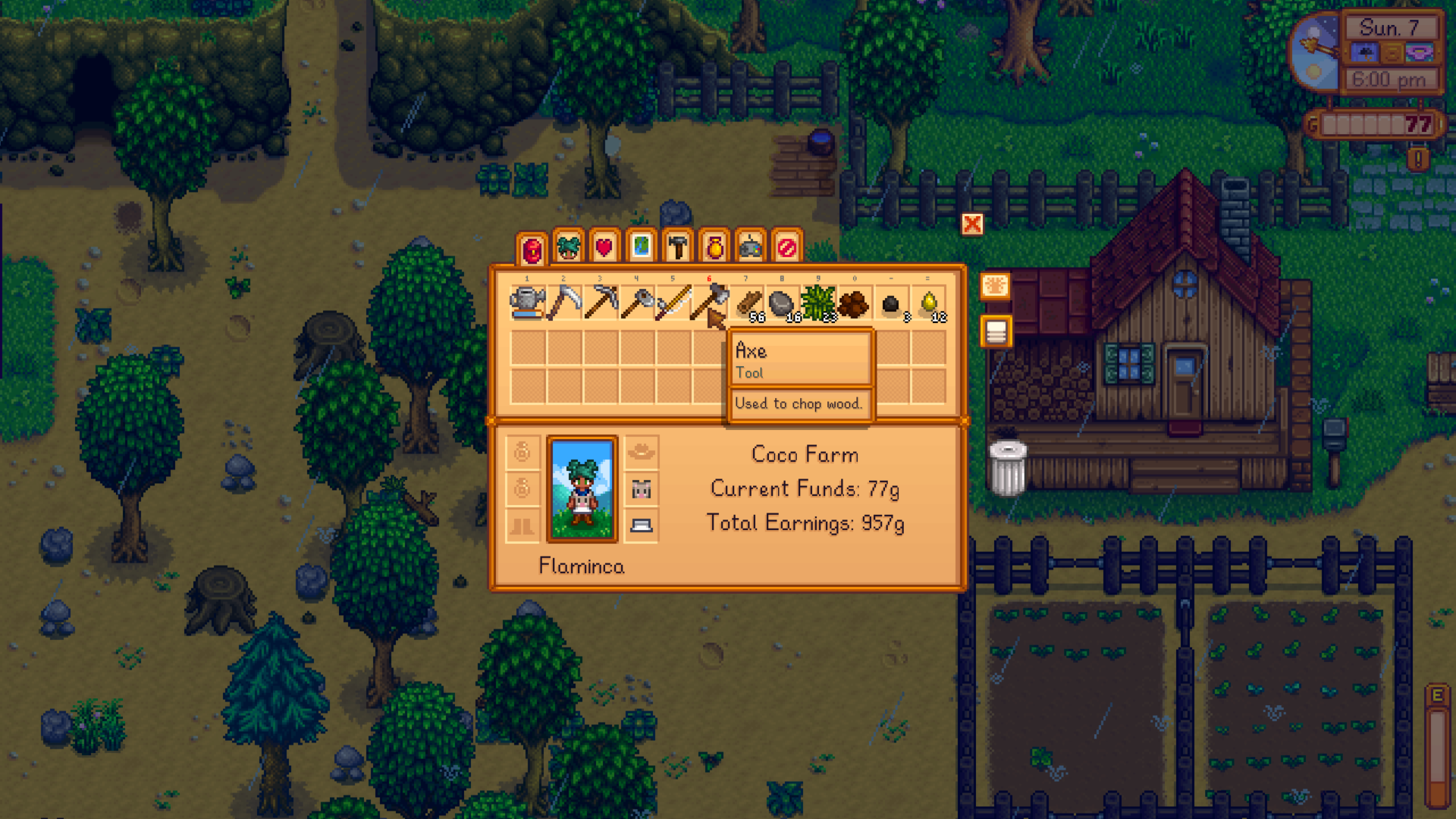
Stardew Valley (Inventory & Item Sorting):
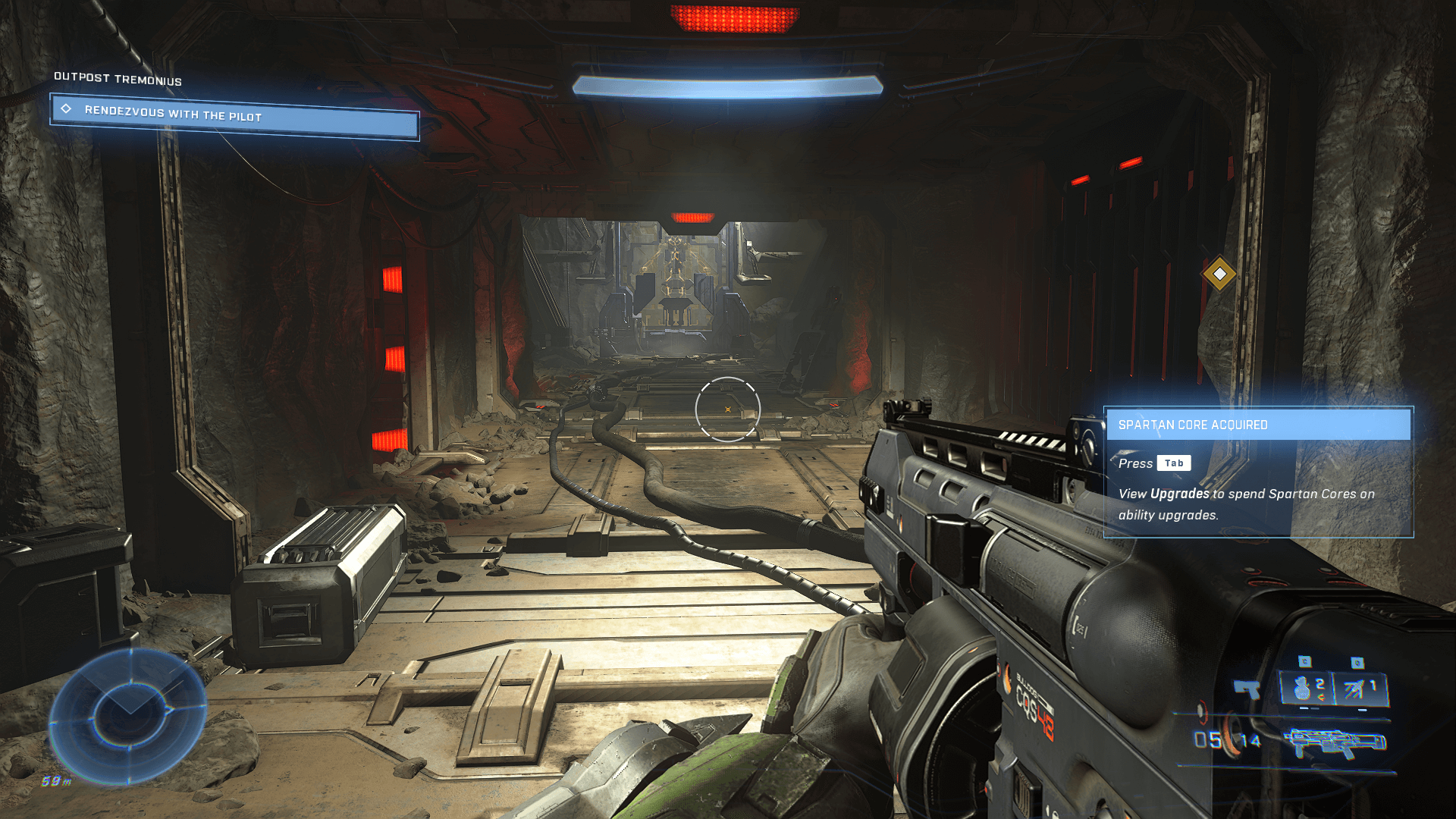
Halo Infinite (Combat HUD & Feedback):
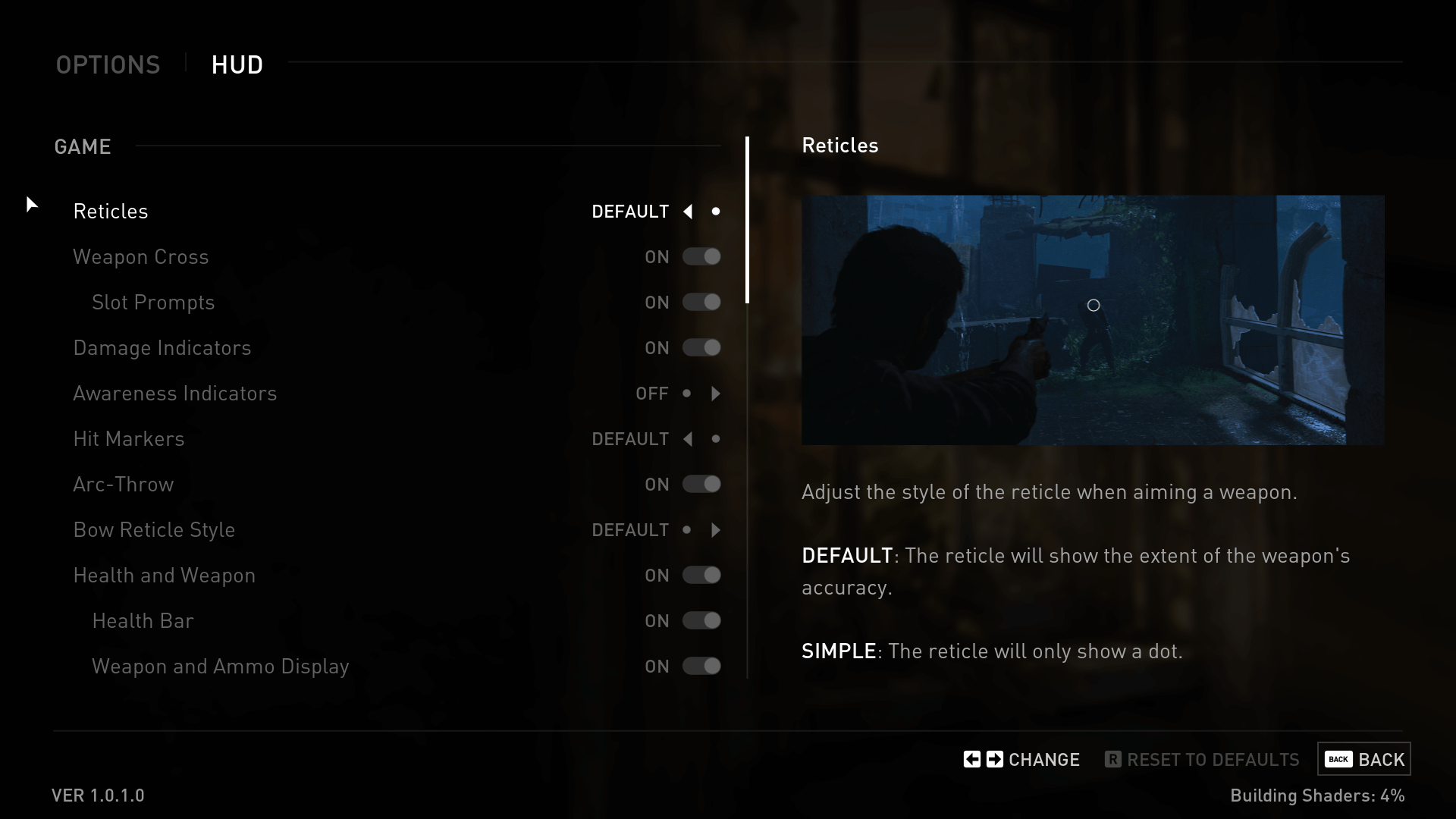
The Last of Us (Minimal HUD & Immersion):
 Model & Guide
Activity: UI/UX "Boss Battle" Breakdown
- Look at a game HUD or menu screen.
- Ask yourself the following:
- What works here?
- What might confuse a new player?
- Is anything missing feedback or status?
- Keep these ideas in mind:
- Fitts's Law: Important buttons should be big and easy to hit.
- Visibility: Health, ammo, objectives should be obvious.
- Feedback: Sounds, flashes, and animations confirm actions.
Analysis Scaffold:
| Aspect | What's Good? | What's Confusing Or Weak? |
|---|---|---|
| Navigation | ||
| Feedback | ||
| Status Info | ||
| Consistency |
 Apply & Extend
Design Challenge: Your First Game HUD / Menu
Prompt: You are designing the UI for a platformer or RPG. Sketch a simple HUD or main menu screen.
Include: - Health or energy bar - Action buttons or abilities - Inventory or map access - Clear player feedback elements
Optional Extension: Add toggles for: - Accessibility (colorblind mode, larger text) - Feedback (audio cues, screen shake)
Reminder: Keep it clean, consistent, and focused on player comfort.
 Review
Choose one:
Option A - MAP IT: Create a concept map: "What makes good UI/UX in games?"
Option B - QUIZ ME QUICK (5 questions): 1. What's one way to give feedback to a player? 2. Why is it important to keep UI uncluttered? 3. What does Fitts's Law suggest about button size? 4. Why should menus be consistent? 5. Give one way UI can support different skill levels.
Image Credits
Screens from Stardew Valley, Halo Infinite, and The Last of Us (sourced from Interface In Game).